Version 1.6.1 brings a lot of new features, improvements, and fixes. Here’s what’s included.
AI Bot Updates
Location Awareness – The AI Bot now understands “near me” queries using browser location or IP-based fallback
Multi-Language Support – Configure AI responses in 29 languages, applies to the AI Bot, post summaries, review summaries, and more
Chat Window Mode – Opens the AI Bot in a messenger-style chat window instead of a sidebar panel
Embed Widget – Place the AI chatbot directly on any page
More Suggested Questions – Increased from 3 to 10 slots
Panel Width Setting – Adjust sidebar panel width from 300-800px
User Engagement
Online Status Indicators
Shows who’s currently online with green dot indicators. Works in the dashboard, inbox, messenger widget, and admin user columns. Includes dynamic tags for custom implementations.
Browser Tab Notifications
Displays unread notification counts in the browser tab title, like “(3) My Site”. The tab flashes when new notifications arrive while users are on another tab.
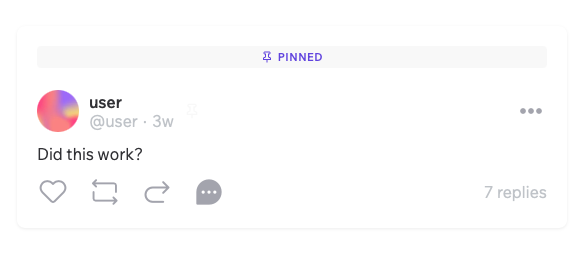
Pin Timeline Posts
Post authors can pin timeline posts to the top of their feed. Pinned posts display a badge and stay at the top for all visitors.
Chat Window Messaging
When users click “Message” on a listing or profile, a chat window opens on the current page instead of navigating to the inbox.
New Tools
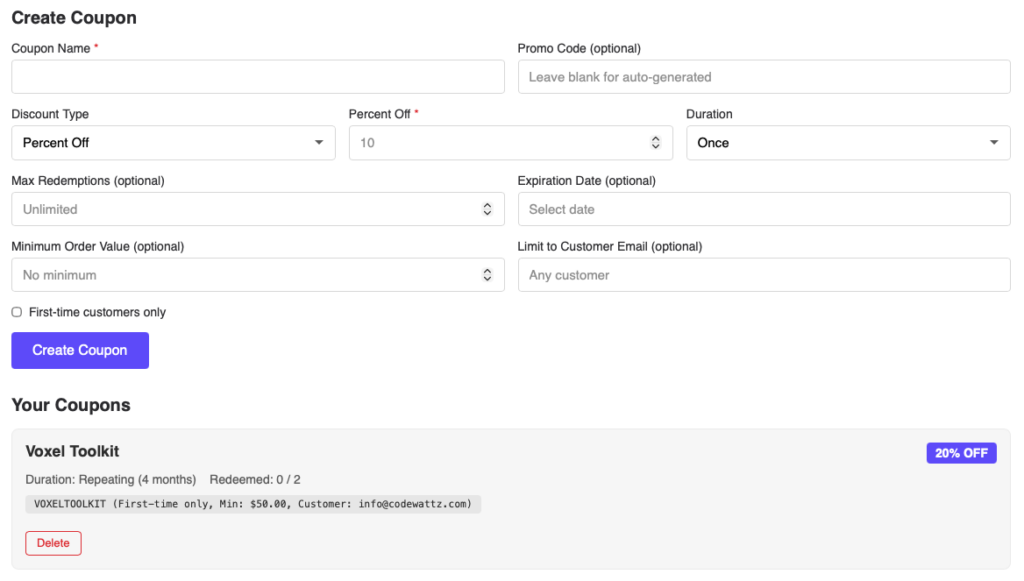
Coupon Manager Widget
Users can create and manage Stripe discount coupons from the frontend. Supports percentage or fixed-amount discounts, expiration dates, redemption limits, and first-time customer restrictions.
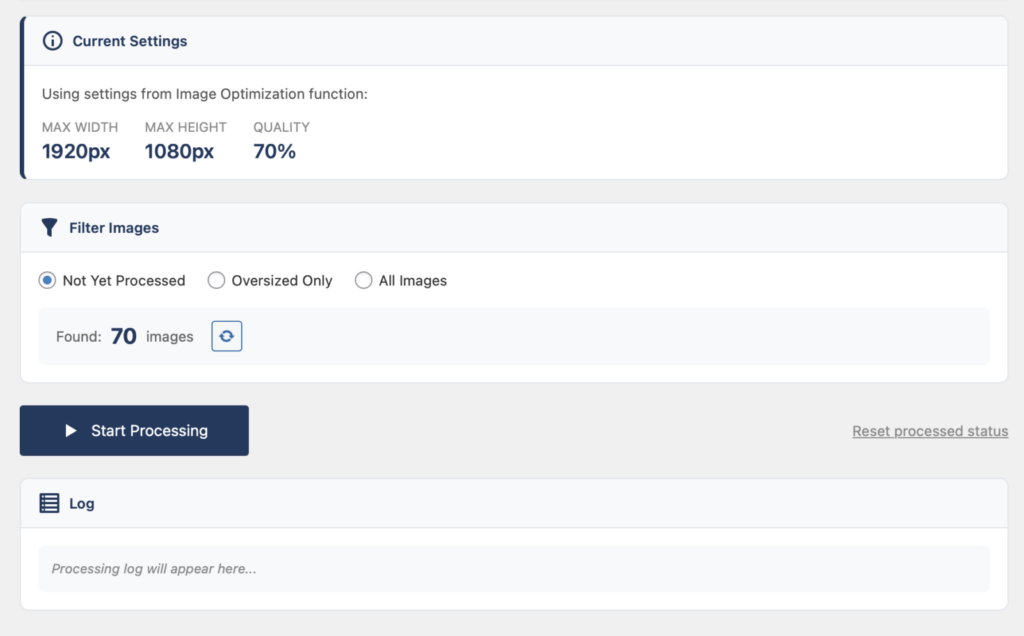
Image Optimization
Two new tools for image management:
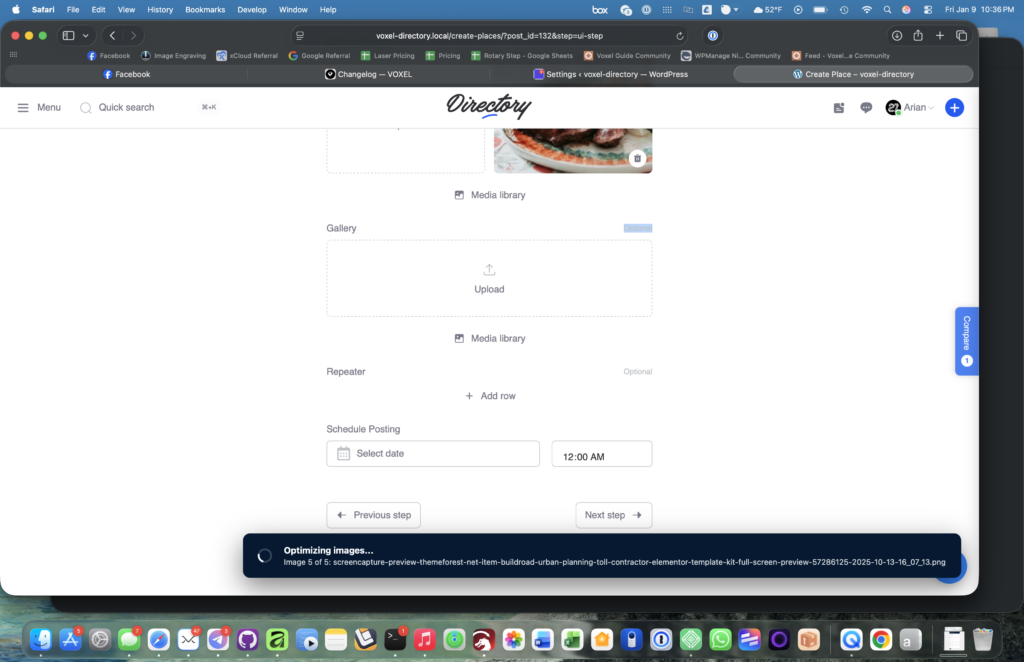
Bulk Resize – Server-side batch processing for your media library with progress tracking and savings reports
Image Optimization – Client-side optimization with WebP conversion, watermarks, SEO-friendly filenames, and auto-generated alt text
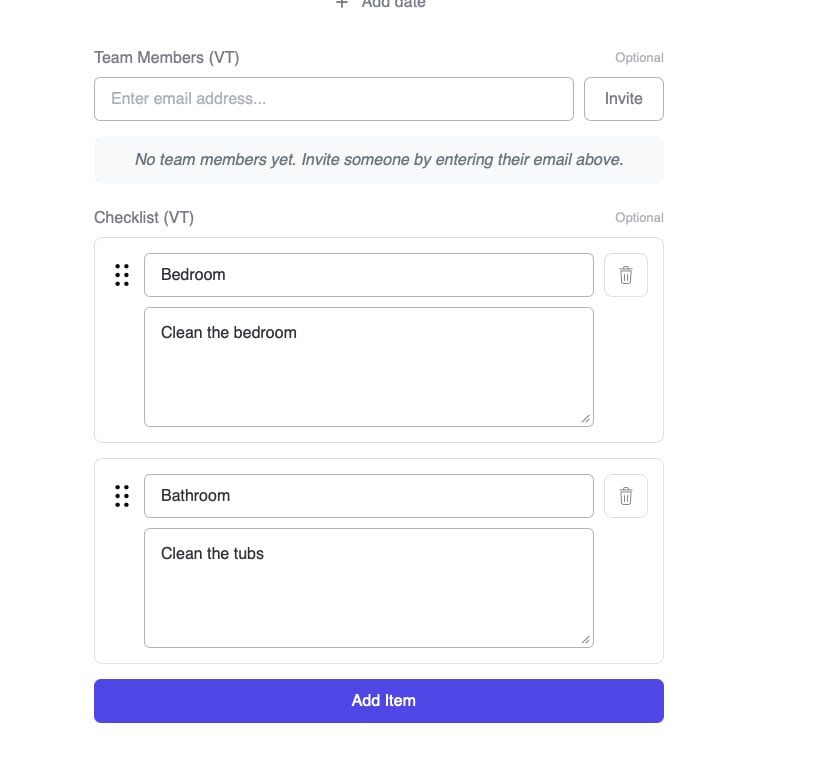
Checklist Field
New custom field type for creating interactive checklists. Includes drag-and-drop reordering, per-user or global tracking, completion percentages, and app event triggers.
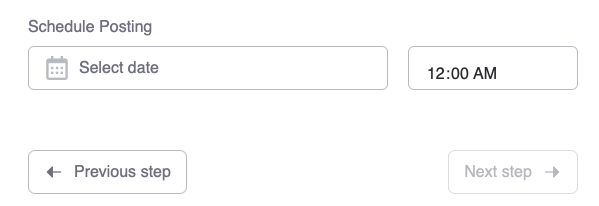
Schedule Posts
Users can schedule posts for future publication from the Create Post form. Pick a date and time, and the post publishes automatically.
Search & Discovery
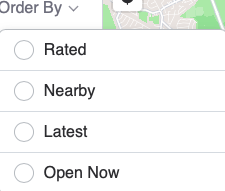
Open Now Search Order – Sort listings by open/closed status
Post Relation Search – Searchable dropdown for post relation filters with AJAX-powered results
Visitor Location Tags – New dynamic tags for visitor latitude and longitude
New SMS Providers
Telnyx – API v2 Bearer token authentication
Solapi – For the Korean market with HMAC-SHA256 authentication
Styling & Customization
Saved Search Widget – New template options (Detailed vs Simple), filter tag styling, divider controls
External Link Warning – Button styling controls for border radius, width, and colors
Timeline Photos Sources – Pull photos from reviews, wall posts, timeline, or author timeline
Route Planner – Individual toggles for each travel mode
Suggest Edits – Optional comment field for users to explain their changes
Bug Fixes
Recurring event dates now update properly for all date format characters
“Add Category” button now appears when using custom popup styles
Compare action tooltips and icon states work correctly
Messenger circles no longer duplicate on the page
RSVP widget shows correct counts with page caching enabled
address_part modifier works with all map providers (Google, Mapbox, OpenStreetMap)
Advanced Phone Input respects width settings
Admin Columns view count shows “0” instead of empty for unviewed posts
Temporary login and configuration button fixes
Updating
Update from your WordPress dashboard or download from your account. New features can be enabled from the Voxel Toolkit settings page. Test on a staging site first if possible.