
We’re thrilled to announce Voxel Toolkit 1.6.0 – our most feature-packed release to date. This update brings powerful AI capabilities, a complete RSVP system, route planning, post comparison tools, and dozens of quality-of-life improvements that will transform how you build with Voxel.
Artificial intelligence takes center stage in 1.6.0 with four groundbreaking features:
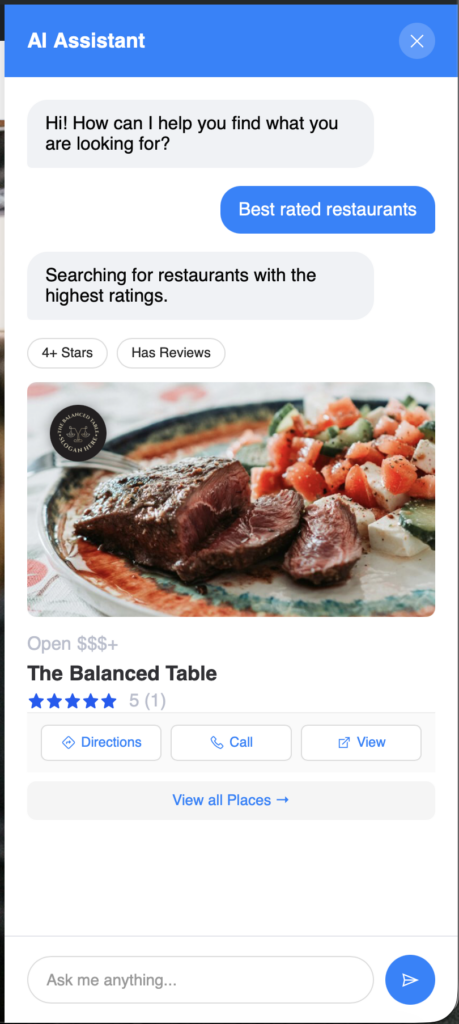
Let your visitors search naturally. Instead of clicking through filters, users can simply ask questions like “Find Italian restaurants near me” or “Events this weekend.” The AI Bot understands context, remembers conversations, and delivers relevant results instantly.
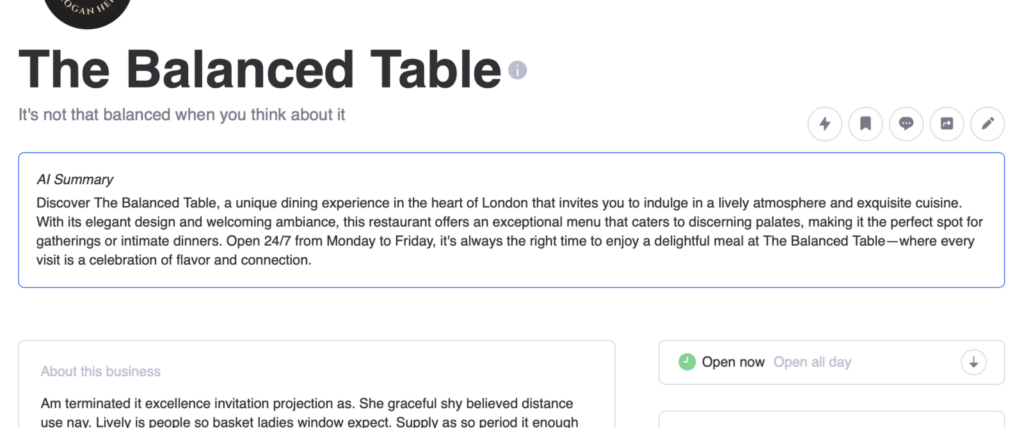
Automatically generate summaries for your listings when they’re published or updated. Configure custom prompts per post type, and access summaries anywhere using the @post(ai.summary) dynamic tag. A bulk generation tool handles existing posts that need summaries.
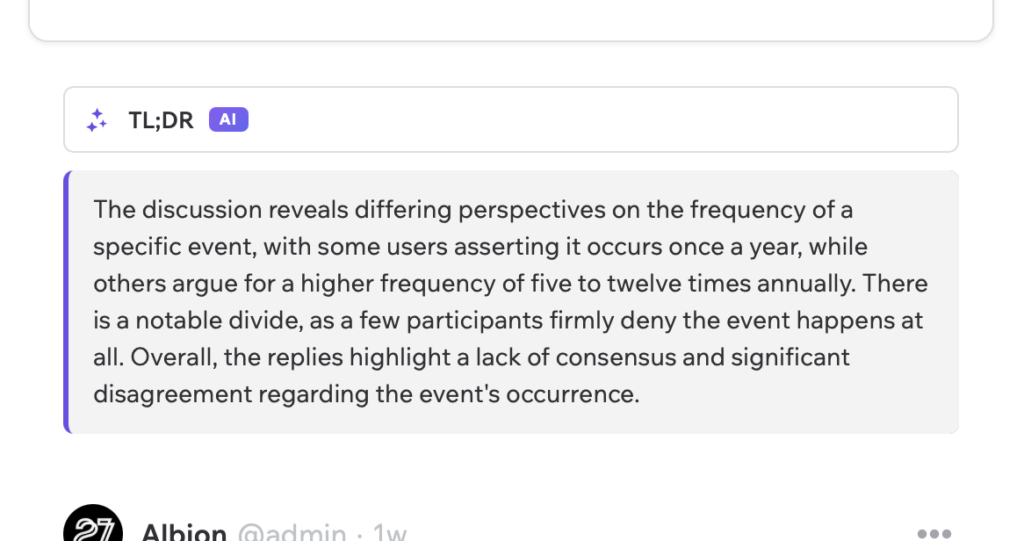
Long discussion threads? The AI generates concise summaries of replies so users can quickly catch up. Works on reviews, walls, timelines, and user feeds. Supports both OpenAI and Anthropic (Claude) providers.
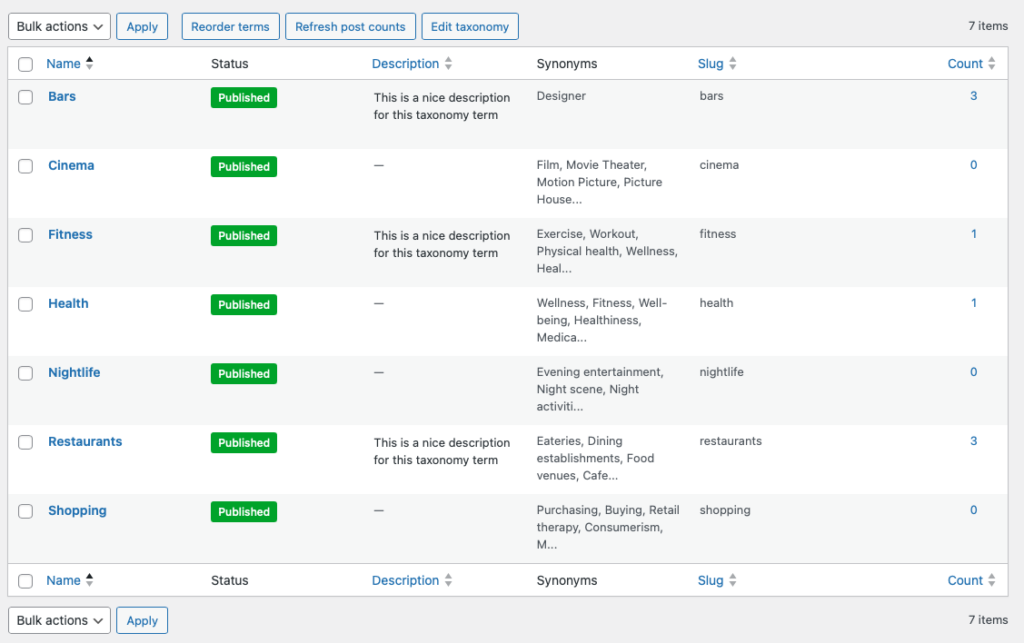
Enhance your keyword search by adding synonyms to taxonomy terms. Users searching for “pub” will find posts in your “Bars” category. AI-powered generation creates relevant synonyms with one click, and bulk generation handles entire taxonomies at once.
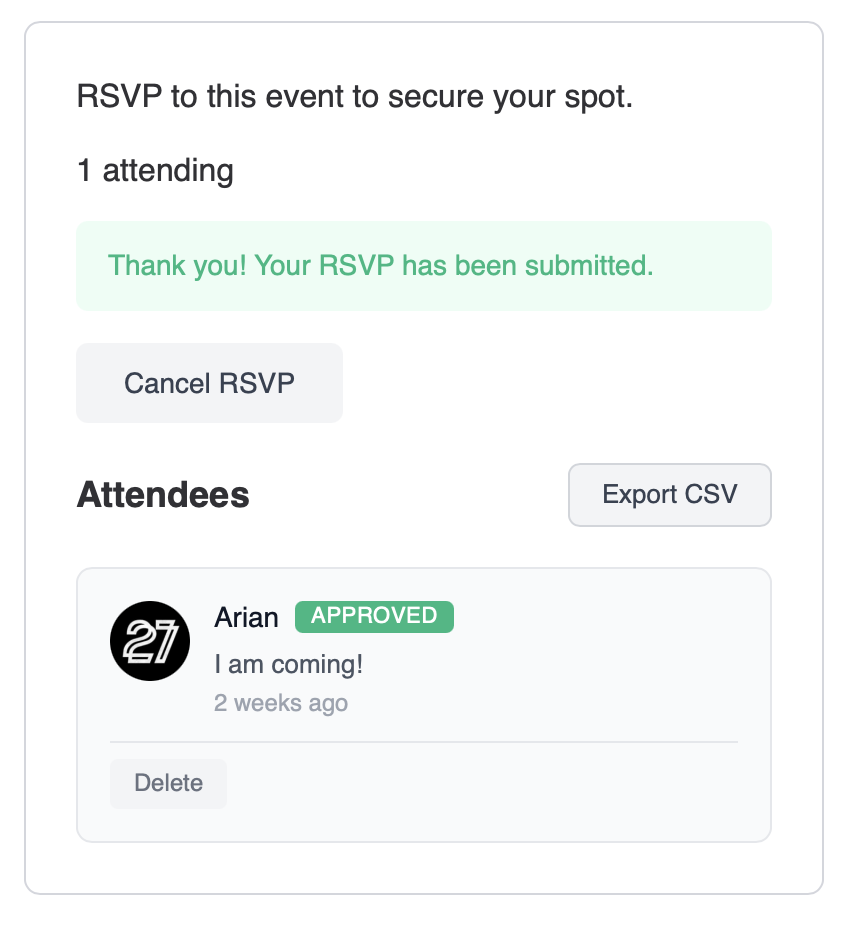
A complete event RSVP solution is now built into Voxel Toolkit:
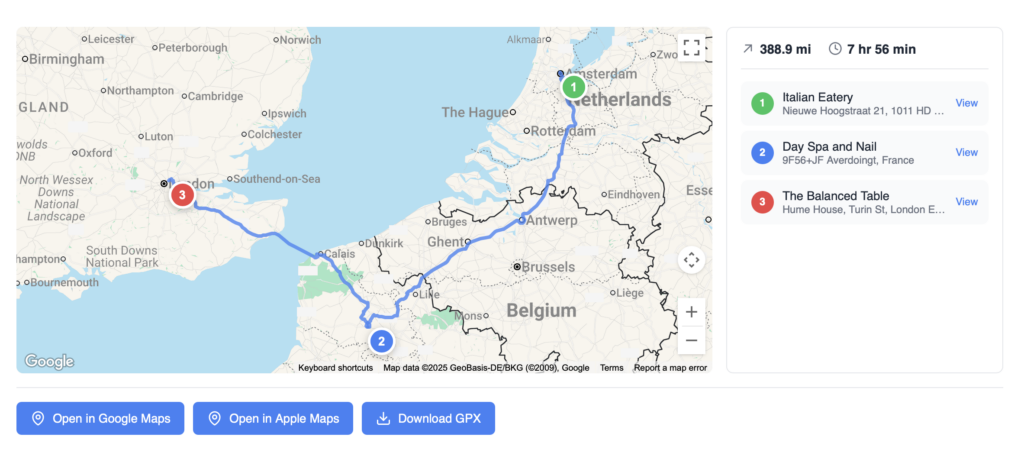
Display interactive routes with turn-by-turn directions. Perfect for tour itineraries, delivery routes, or multi-stop experiences.
Help your users make better decisions with side-by-side comparisons:

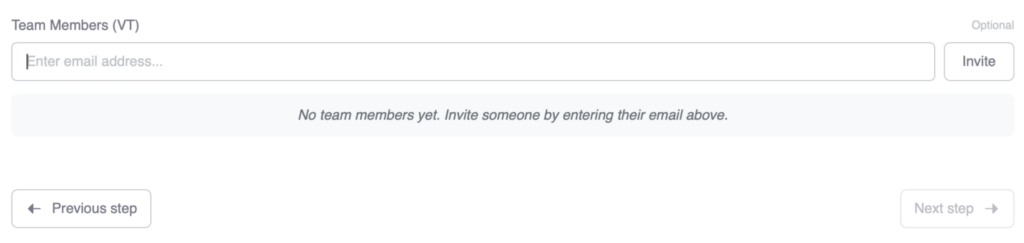
Post authors can now invite collaborators to help manage their listings:
Let users save their search filters and get notified when new posts match:

Events with multiple upcoming dates now appear as separate cards in your archives – one per occurrence. Each card shows only its specific date, sorted soonest first. Use @post(recurring-date.upcoming.start) in your card template to display the occurrence date.
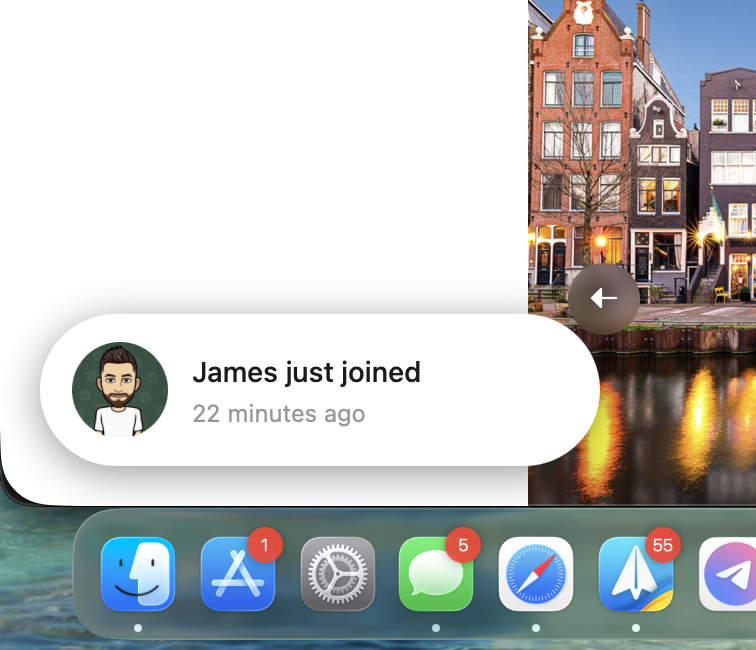
Display toast notifications showing recent activity on your site – bookings, orders, signups, reviews, and more. Features include:
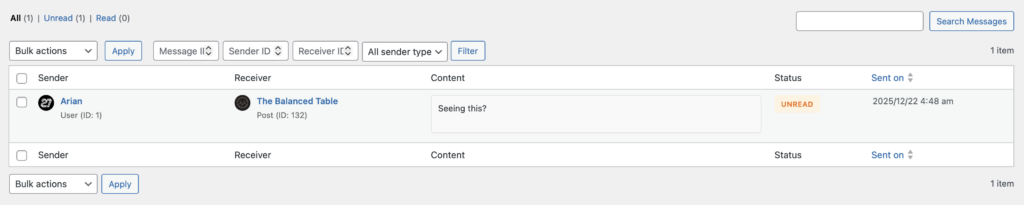
A new admin page under Messages (VT) lets you view and moderate all direct messages. Filter by status, search content, and take bulk actions – perfect for community management.
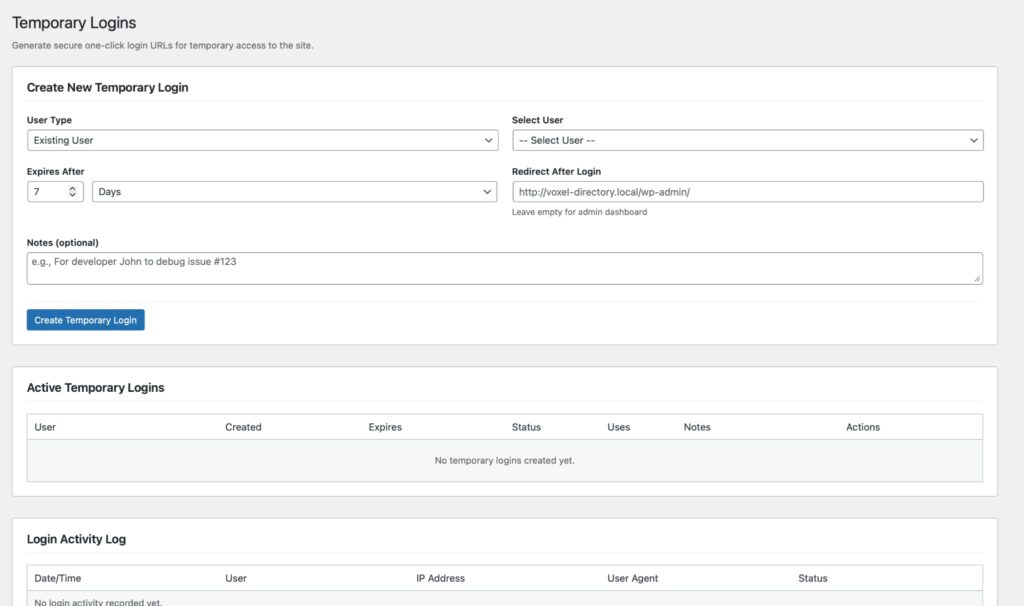
Generate secure one-click login URLs for developers or support staff. No password sharing required. Features include multi-use tokens, configurable expiration, redirect URLs, and full audit logging.
Protect your users with a customizable warning modal when they click links to external sites. Whitelist trusted domains and exclude specific elements.

Voxel’s WP Editor field now includes an Add Media button, text color pickers, and character map – giving your users richer content creation tools.
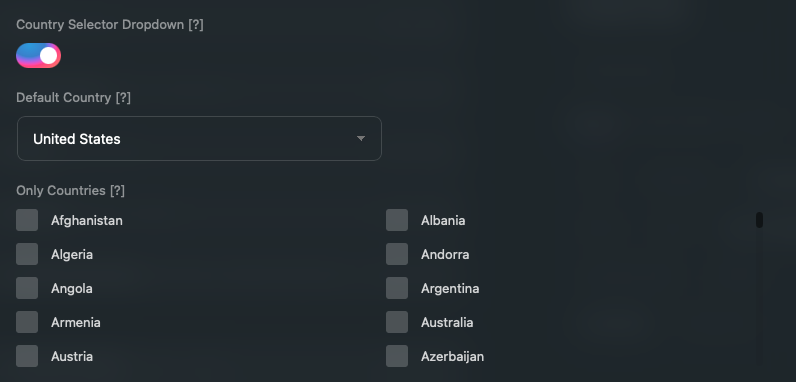
Phone fields now feature country selector dropdowns with flags and dial codes. Set default countries and restrict options per field.
Let users add new taxonomy terms directly from the Create Post form. Optional approval workflow keeps things moderated.
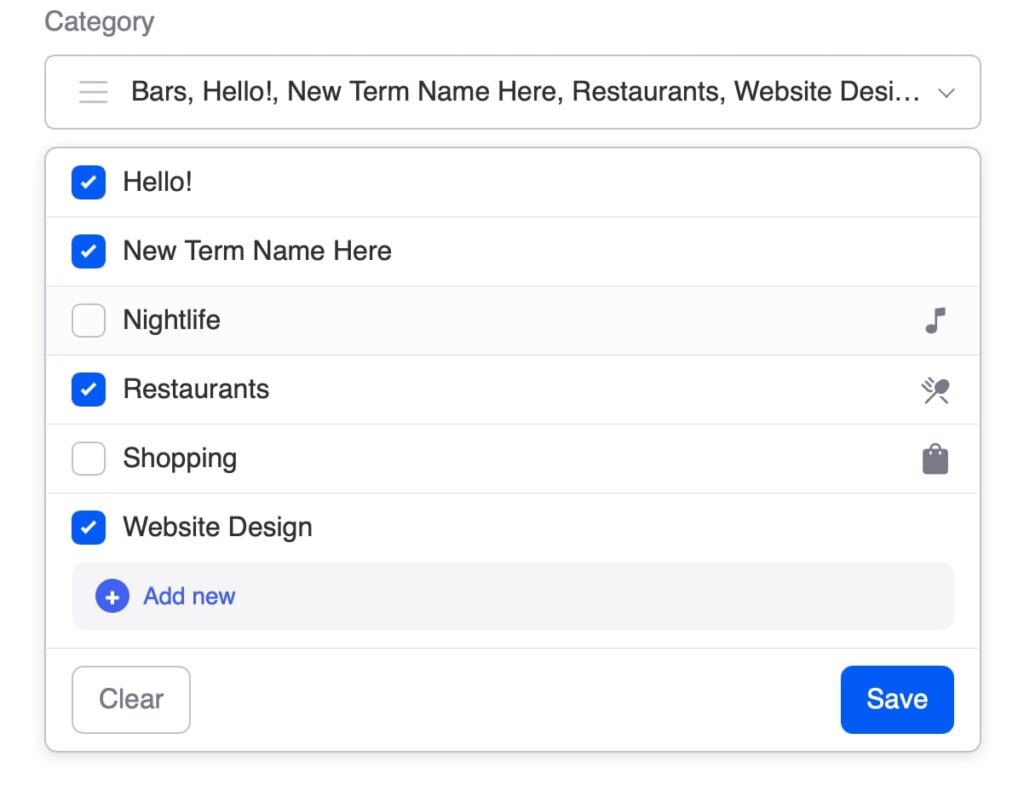
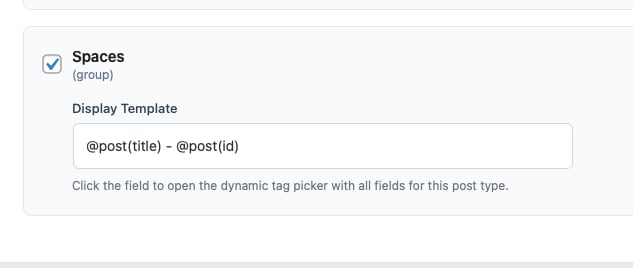
Customize how posts appear in relation field dropdowns using dynamic tag templates. Show “Restaurant Name – City” instead of just the title.
Add an “Unanswered” filter to timeline widgets to surface posts without replies – great for support forums and Q&A sections.
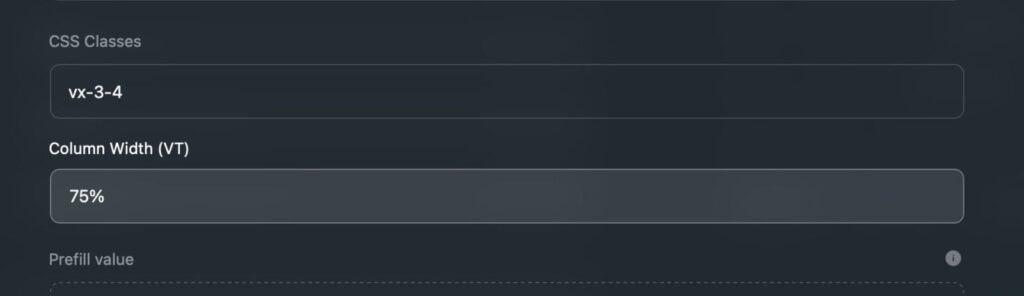
Quickly set field widths in the post type editor with a visual dropdown (100%, 75%, 66%, 50%, 33%, 25%, 16%).
Allow SVG files in your media library with automatic security sanitization. Dangerous elements are stripped on upload.
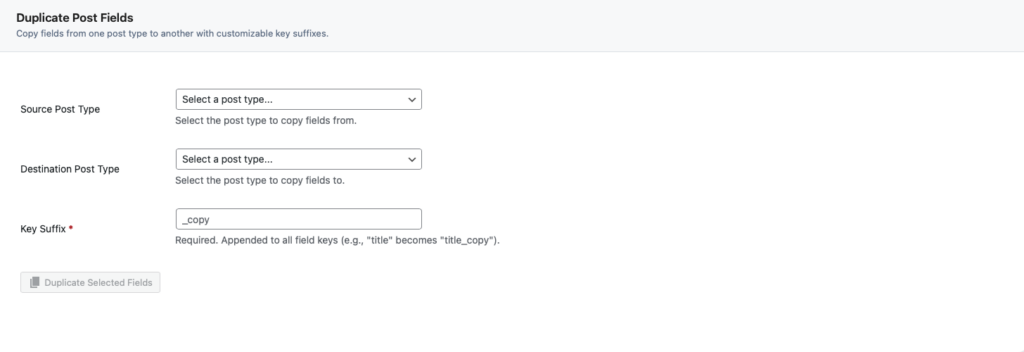
Copy fields between post types from the new Tools page. Select source, destination, and specific fields to duplicate.
New Persistent Admin Chat creates an always-visible chat circle for designated admin support. Plus per-widget default avatar uploads.
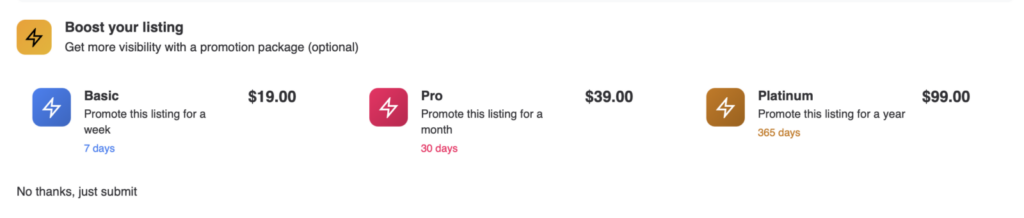
Add promotion package selection directly to Voxel’s Create Form widget. Users can select a promotion before submitting their post, then get redirected straight to checkout – streamlining the promotion purchase flow.
Access more data throughout your templates:
@post(vt_reviews.latest.content) – Latest review content, author, score, date, link@post(vt_timeline.latest.*) – Same for timeline posts@post(vt_wall.latest.*) – Same for wall posts@post(article_helpful_latest_yes) – Last yes vote timestamp@user(display_name).initial() – First letter with period (“J.”)We’ve squashed several bugs in this release:
We’ve completely overhauled the settings page with tab-based navigation, making it easier to find and configure features as the toolkit grows.

Version 1.6.0 is available now. As always, we recommend backing up your site before updating. If you run into any issues, reach out to our support team.
Thank you for being part of the Voxel Toolkit community. Your feedback drives these improvements, and we can’t wait to see what you build with these new features!