
We’re excited to announce Voxel Toolkit version 1.5.6! This update brings powerful new features to help you manage your directory, marketplace, or community site more effectively. Let’s dive into what’s new.
Managing users just got a whole lot easier. You can now customize the columns displayed on your WordPress Users page, just like you already could with posts. Add columns for profile pictures, registration dates, post counts, and more. You can even sort and filter users by role or language directly from the list view.
This is perfect for site administrators who need to quickly find specific users or get an overview of their community at a glance.
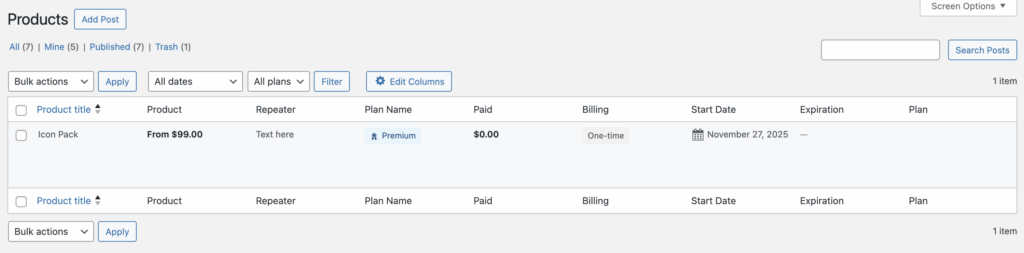
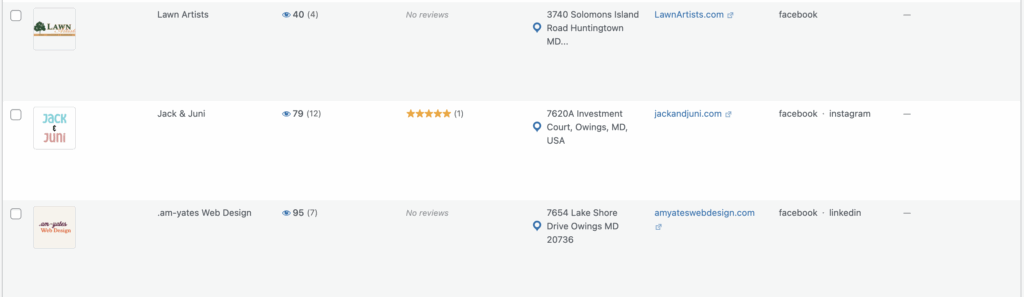
If you’re running a directory with paid listing plans, your visitors can now filter search results by listing plan. This makes it easy for users to find premium or featured listings, or to browse listings at different tiers.
The filter supports multiple selection, so visitors can choose to see listings from several plans at once.
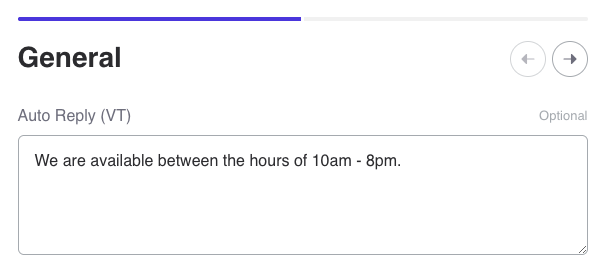
Listing owners can now set up automatic replies for when they receive messages. This is great for businesses that want to acknowledge inquiries immediately, even when they’re not available to respond personally.
You can personalize the auto-reply with the listing name, sender’s name, and other details. The system is smart enough to only send one auto-reply per conversation, so your customers won’t be spammed.
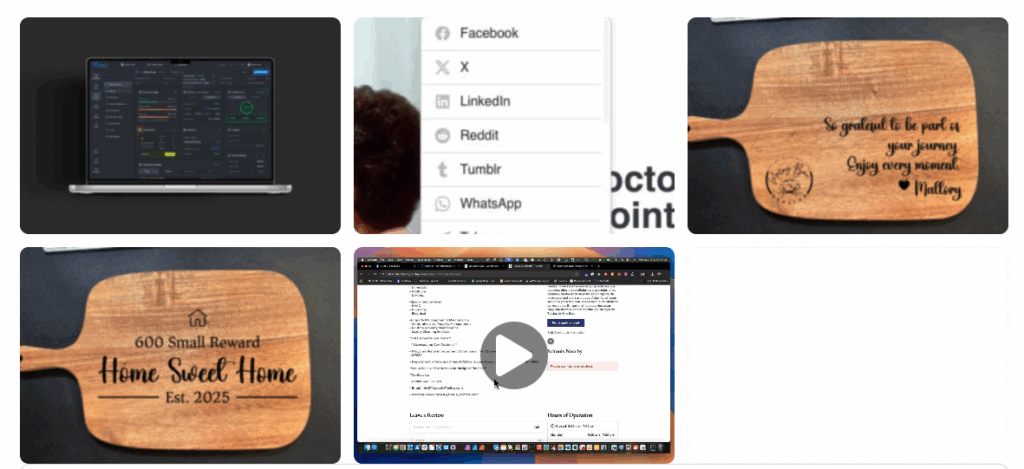
The new Media Gallery widget lets you display both photos and videos together in a beautiful grid. Videos show a play button overlay and open in a lightbox when clicked. You can control exactly how the gallery looks with settings for columns, spacing, and thumbnail sizing.
This is perfect for listings that want to showcase video tours, product demonstrations, or any mix of visual content.
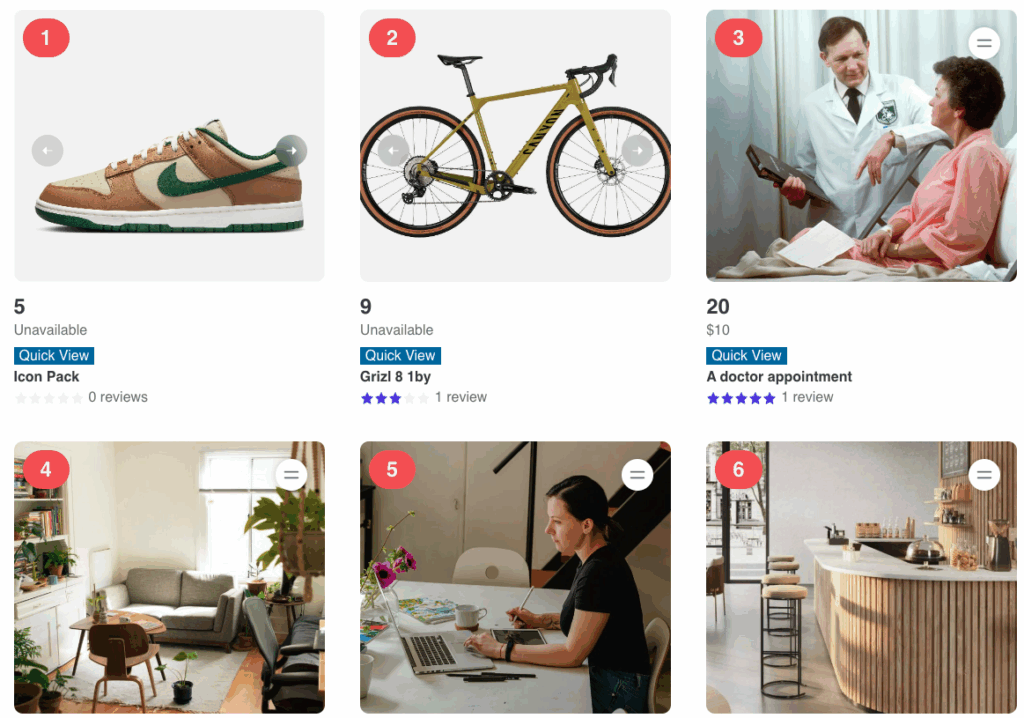
Want to show “#1”, “#2”, “#3” badges on your listing cards? Now you can! The new feed position feature lets you display the ranking number of each listing in search results. This works across pages too, so the 11th result on page 2 will correctly show as #11.
Extending on this feature, since it is a dynamic tag, you can use Voxel visibility to only show on the posts if the position is less than 4 which means showing only the first 3 position tags. You can also combine this with CSS, to add background colors so 1st is Gold, 2nd is Silver, 3rd is Bronze, etc.
Breadcrumbs help visitors understand where they are on your site. Now you can include category information in your breadcrumb trail. For example: Home > Auto Services > Mechanics > Mike’s Auto Shop. This works with nested categories too, showing the full path through your category hierarchy.

The floating messenger button can now be positioned more precisely. New offset controls let you move it away from the edge of the screen, which is especially helpful on mobile devices where the button might overlap with navigation bars or other interface elements.
When listing owners reply to messages, the chat window now shows “Reply as [Listing Name]” so it’s always clear which listing the conversation is about. This is helpful for owners managing multiple listings.
The QR code feature now lets you hide the download button if you prefer a cleaner look. Just display the QR code image without any extra buttons.
We’ve squashed several bugs in this release:
Version 1.5.6 is available now. As always, we recommend backing up your site before updating. If you have any questions or run into issues, don’t hesitate to reach out to our support team.
Thank you for being part of the Voxel Toolkit community!