We’re excited to announce Voxel Toolkit version 1.5.2, packed with powerful new features that give you unprecedented control over your Voxel-powered website. This release focuses on enhanced widget customization, global site options, and dynamic content capabilities.
Whether you’re building a directory, marketplace, or community platform, these new tools will help you create a more polished and personalized user experience.
✨ New Features
Widget CSS Class & ID Injection
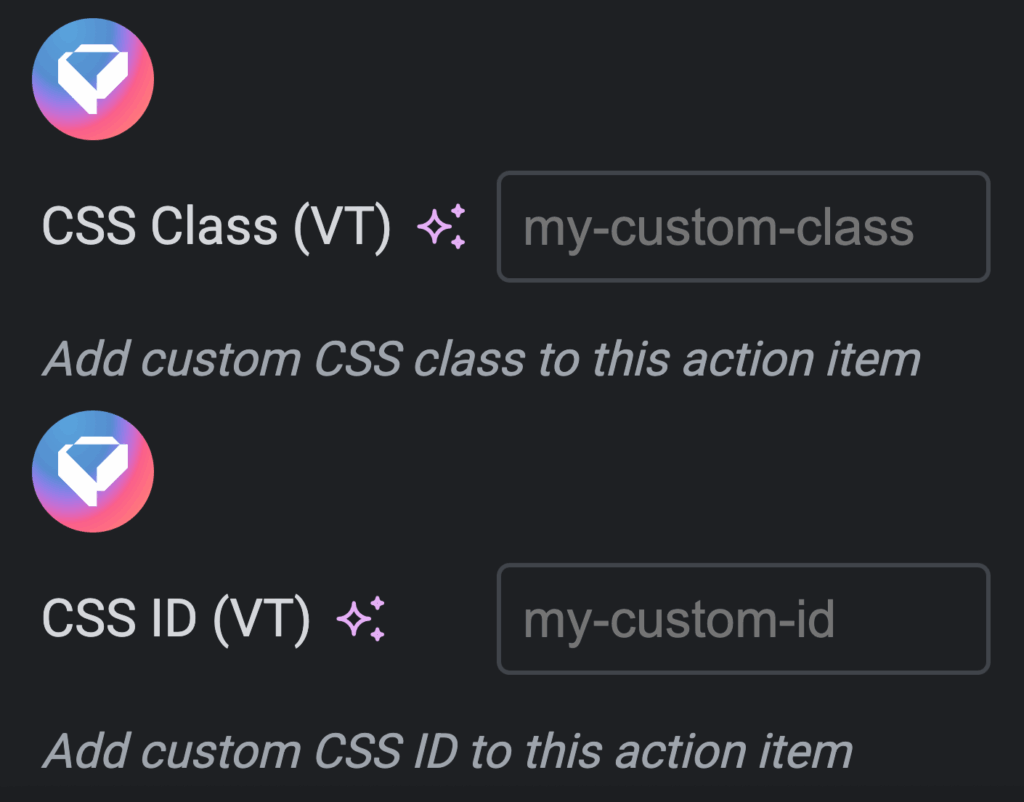
Take complete control over your Voxel widget styling with the ability to inject custom CSS classes and unique IDs to individual widget items. This game-changing feature is always enabled and works seamlessly with three essential Voxel widgets.
Supported Widgets: Navbar (VX), User Bar (VX), Advanced List (VX)
Repeater Item Controls: Each item in these widgets gets dedicated CSS Class and ID fields
Multiple Classes Support: Add multiple space-separated classes to any item for maximum flexibility
Unique IDs: Set unique identifiers for advanced CSS targeting or JavaScript hooks
Automatic Injection: Classes and IDs are automatically applied via DOM manipulation
Perfect Use Cases:
Custom styling for specific navigation items (highlight premium features, special promotions)
Individual user bar component targeting for personalized layouts
Action-specific styling in advanced lists (different colors for edit, delete, share actions)
Third-party integrations via ID hooks (analytics, tour guides, automation tools)
Site Options – Global Dynamic Tags
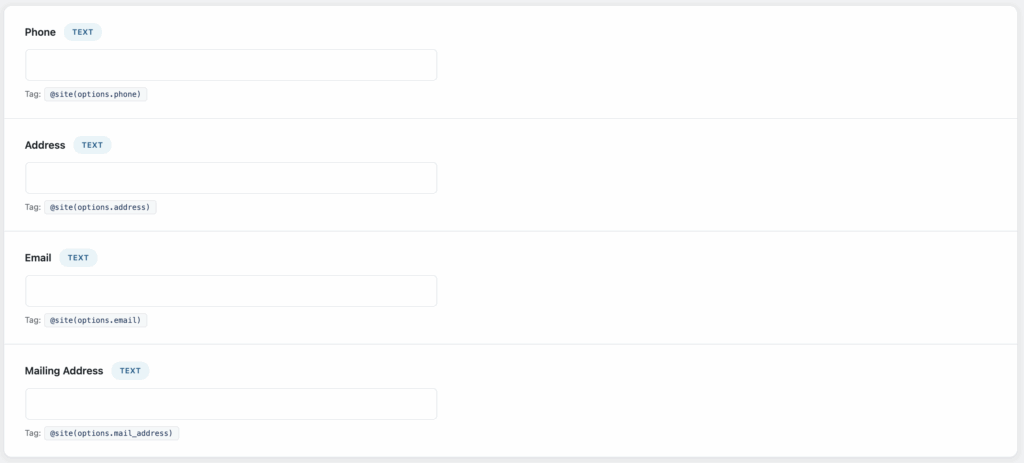
Create powerful, reusable site-wide settings that can be accessed anywhere using Voxel’s dynamic tag system. Perfect for managing contact information, social links, branding elements, and any global content that needs to be updated from a single location.
Field Types: Text, Textarea, Number, URL, and Image fields
Efficient Storage: Values stored as individual autoloaded WordPress options for optimal performance
Dynamic Tag Access: Use @site(options.field_name) anywhere in your site
Image Support: Image fields return attachment ID (use .url modifier for image source)
Dedicated Admin Interface: New “Site Options” submenu appears when enabled
Flexible Configuration: Easy add/delete field management UI
Media Library Integration: Full WordPress media picker for image fields
Frontend Forms: Allow authorized users to update options from the frontend using Elementor forms
Works With Any Property: Attach to singular, plural, icon, or any post type property
Efficient Counting: Uses WordPress native wp_count_posts() function
Published Only: Automatically filters to count only published posts
Dynamic Labels:
"Join our community of @site(post_types.member.singular).tally() Members"
"Browse @site(post_types.event.singular).tally() Upcoming Events"
"Explore @site(post_types.listing.singular).tally() Business Listings"
🔧 Improvements
Duplicate Title Checker
The duplicate title validation system has been completely revamped for better efficiency and consistency with Voxel’s native UI patterns.
Native Integration: Now uses Voxel’s built-in error slot mechanism for validation messages
Cleaner UI: Removed validation icons for a more streamlined appearance
Color-Coded Feedback: Error messages in red, success messages in green
Consistent Styling: Matches Voxel’s native field validation styling perfectly
Better Performance: More efficient DOM manipulation and reduced visual clutter
🐛 Bug Fixes
Light Mode Background Fix
Resolved an issue where white backgrounds appeared on Voxel admin pages even when Light Mode was disabled.
Fixed: Field headers now display correct dark background (#40464a) when Light Mode is disabled
Fixed: White backgrounds (#e9e9e9) only appear when Light Mode is explicitly enabled
Removed: Inline styles that unconditionally applied light backgrounds
Improved: Better conditional rendering based on Light Mode function status
What’s Next?
Version 1.5.2 represents our commitment to providing you with the most flexible and powerful toolkit for Voxel theme development. We’re constantly working on new features and improvements based on your feedback.
Stay tuned for upcoming features in future releases, including enhanced dynamic tag capabilities, new widget types, and additional customization options.
Ready to upgrade? Download Voxel Toolkit 1.5.2 today!