Post Check In
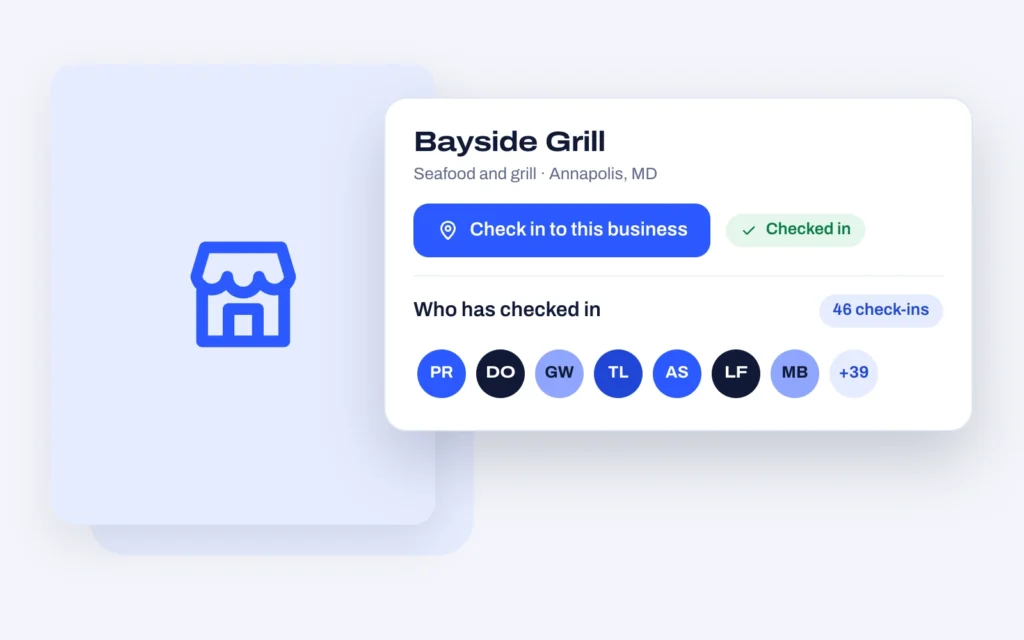
A check-in button on any post, the way Foursquare does it.
Visitors tap to check in at a listing and the count goes up, the way Foursquare works. Show the running total with a dynamic tag, show the history with a widget, and fire a webhook so your automation platform can do the rest.
$19 once
Any WordPress site
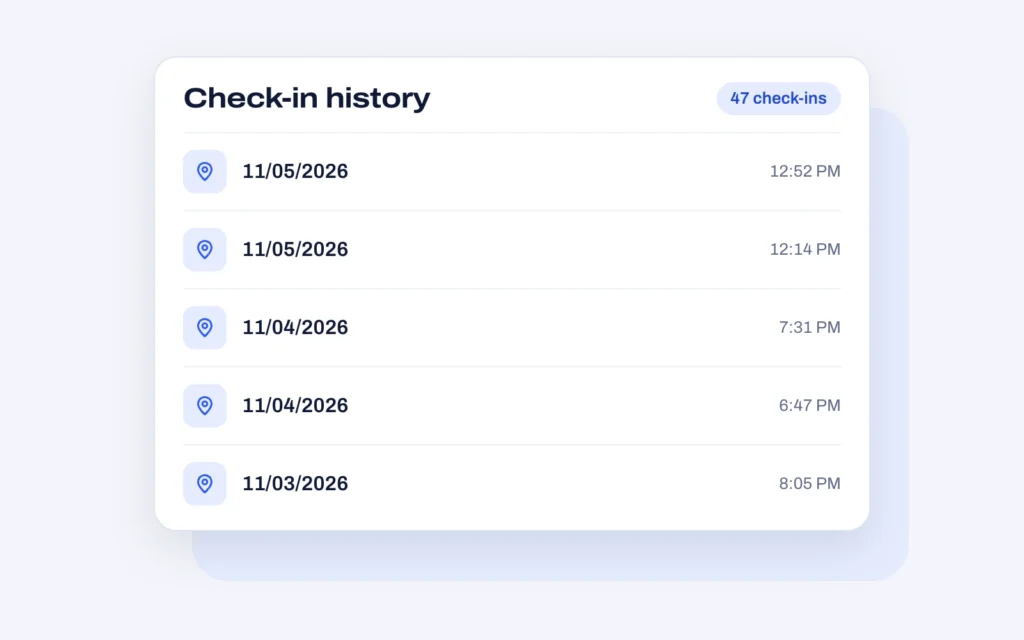
Every check-in, on record.
Each listing keeps a running history with the date and time of every check-in.
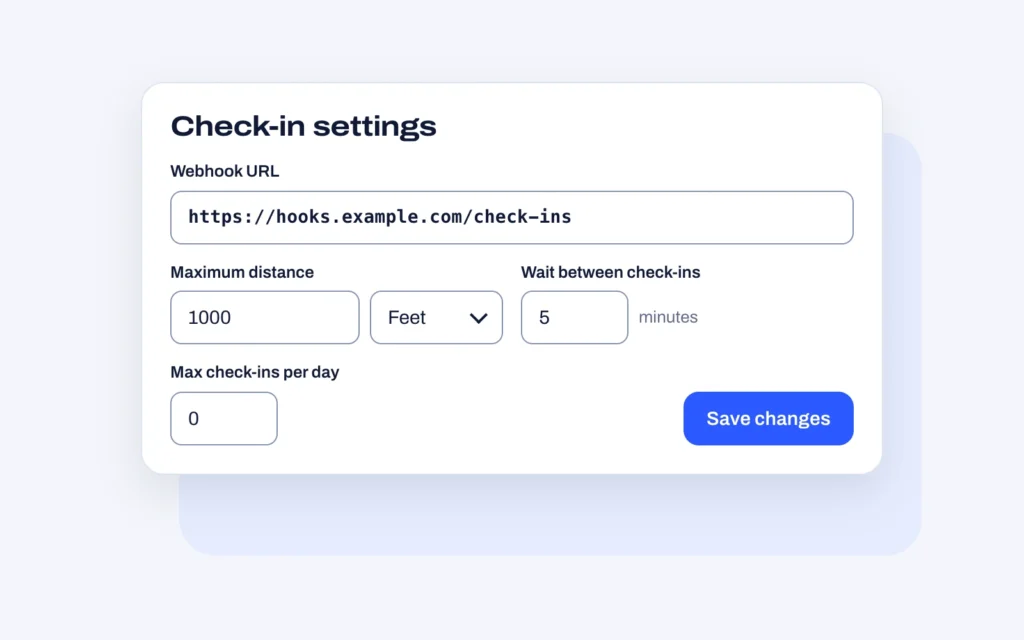
You set the rules.
Limit how far away someone can be, how long they wait between check-ins, and how many they get per day. Send every check-in to a webhook.
What it does.
- In the box
- Check-in button widget
- One button, any post type
- Put it on a single post template or a preview card. Each click increments a custom field by one.
- Show the count
- Display how many check-ins a business has with a dynamic tag, anywhere on the front end.
- Check-in history
- Show a post's check-in history with a shortcode or Elementor widget, with configurable settings for what appears.
- Webhooks
- Every check-in can fire a webhook, so you can trigger an automation on whatever platform you already use.
- Elementor styling
- Full styling controls on the widget, so the button matches the design instead of fighting it.
- Loyalty and repeat visits
- Check-in data drives loyalty programs, repeat-visit offers and targeted marketing for location-based businesses.
One price, every feature.
There is no feature gate between the plans, only how many sites you can run it on and how long updates last.
Requirements
| Works with | Any WordPress site |
|---|
Questions people ask first.
Does this need a particular theme?
No. It works on any WordPress site and any post type. The button and history are placed with Elementor widgets or a shortcode.
Where does the count live?
In a custom field on the post, which means you can read it with a dynamic tag anywhere — on the listing, in a card, in a sort order.
What can I do with the webhook?
Anything your automation platform supports. Common uses are sending a thank-you message, adding the visitor to a loyalty list, or notifying the business that someone has arrived.
Add Post Check In to your build.
A check-in button on any post, the way Foursquare does it.